No phones on the floor.
Clips drop after practice.
GymDrop uses gym-owned phones or iPads to automatically capture short practice clips, lets coaches review everything first, and gives athletes access to their own approved clips after the session.
- Phone-free practice floor
- Coach-reviewed clips
- Athlete-only access
- Parent-friendly lobby display
- Built-in consent and privacy controls
Built for gyms that want fewer distractions, better practice flow, and athlete clips without athlete phones.

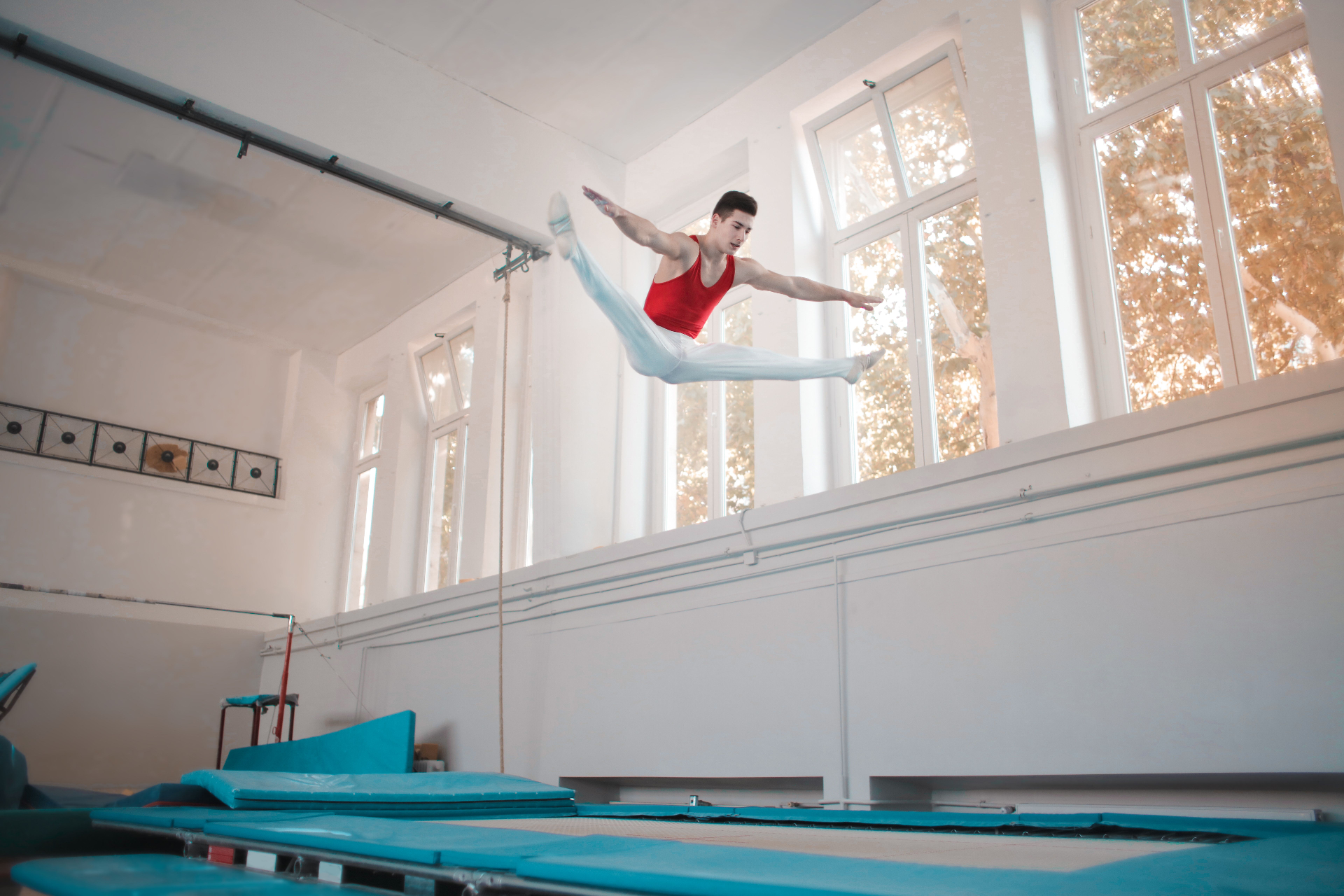
Practice video has become a floor problem.
Athletes want clips. Parents want to see progress. Coaches do not want to stop practice to record. And phones on the floor create distractions, delays, and conflict. GymDrop solves the problem by moving video capture to gym-owned devices and putting coaches back in control.
They want to see reps, review skills, and share progress.
Stopping practice to record breaks the flow of training.
They want to feel connected without crowding the floor.
Owners want a phone-free floor with clear boundaries.
From the floor to the athlete, in five steps.
- 01Set up gym-owned devices
Place phones or iPads near each apparatus or training area.
- 02Capture clips automatically
Motion detection records short practice clips with a small pre/post buffer.
- 03Match eligible athletes
GymDrop helps assign clips to athletes when consent and recognition settings allow it.
- 04Coach reviews before publishing
Coaches can delete, assign, approve, or hold clips before athletes see anything.
- 05Clips drop after practice
Athletes receive access only to their own approved clips.
Coach-controlled practice clips for phone-free gyms.
GymDrop Core gives gyms a simple way to capture practice clips without relying on coaches, parents, or athletes to record from the floor.
Motion-triggered recording captures routines and reps without manual filming.
Nothing is published until a coach or admin reviews the session.
Athletes can view and download their own approved clips after practice.
Clips can be tied to the apparatus, station, or training area.
Clips that cannot be matched stay admin-only and can be assigned or deleted.
Practice clips are temporary by default and automatically expire.
Say yes to clips without saying yes to phones.
GymDrop gives athletes what they want while protecting the practice environment coaches need. Athletes can still watch, learn from, and post their own routines — after practice, not during it.
- Fewer phones on the floor
- Fewer interruptions for coaches
- Less conflict between athletes and staff
- Better clip access after practice
- Cleaner parent and athlete expectations
Post after.
Give parents something worth watching.
LobbyDrop turns your waiting-room TV into a rotating practice-session feed. Eligible clips from the current session can play in the parent waiting area with a sports-style “Now Performing” ticker. Parents stay connected without crowding the floor or asking athletes to record.
Turn dead air into gym revenue.
When there are gaps between clips, LobbySlides can display gym announcements, camp promotions, coffee shop offers, birthday party packages, pro shop specials, meet reminders, or local sponsor messages.
Sell a single lobby placement to a nearby business and the system starts paying for itself.
Built for coach control and parent consent.
GymDrop is designed for youth sports environments where privacy, consent, and coach control matter. Athletes do not automatically receive clips. Coaches review first, minors are gated, and unassigned clips stay private to the gym.
- Minor accounts are locked until consent is approved
- Facial recognition is disabled until consent is on file
- Coaches review clips before anything is published
- Unassigned clips stay coach/admin-only
- Lobby display permission is separate from private athlete clip access
- Clips automatically delete after 30 days
- Deletion workflows remove athlete-associated data
- Sensitive actions are audit logged
Built for high-rep training environments.
If athletes take turns, run routines, repeat skills, or need video feedback, GymDrop can help capture the work without bringing phones onto the floor.
A better practice experience for athletes, coaches, parents, and owners.
Get clips they can watch, learn from, and post after practice.
Stay focused on coaching instead of recording.
See more of the session from the waiting area.
Create a phone-free floor, improve the parent experience, and open new sponsor opportunities.
Start with a pilot session.
We are onboarding select gyms for GymDrop pilot testing. We will help configure devices, test capture angles, set up privacy controls, and walk coaches through the review and publish workflow.
Built by Rylyn Creations, a youth sports family business already serving athletes, parents, and gyms.
Answers for gym owners and directors.
No. GymDrop captures short practice clips and shows eligible clips after capture. Coaches and admins control what is published.
No. GymDrop is designed so athletes can get clips without bringing phones onto the practice floor.
Yes. Coaches review the session before publishing and can delete, assign, or hold clips.
No. Athletes only see their own approved clips unless the gym enables a separate sharing feature in the future.
Unassigned clips remain visible only to authorized coaches/admins and automatically delete after 30 days.
Minor accounts are locked until the gym confirms the required consent is on file. Facial recognition and lobby display permissions are also gated.
Yes. LobbySlides can display gym announcements or sponsor slides during natural gaps between clips.
Gyms can use gym-owned phones or iPads placed near apparatuses or training areas.